Body
Duo sends you a notification whenever something security-sensitive happens on your account—a device is added or removed, a bypass code is generated, or a login is attempted—so you can confirm it was really you. If you indicate that you did not make the change or did not attempt the login, the request is canceled or denied and your account is reported to the Pitt Digital Security team for review.
How these notifications reach you.
You will receive an email notification, and any device on your account running a supported version of Duo Mobile will also receive a push notification. Reactivating Duo Mobile on a new phone also generates an "added a device" notice.
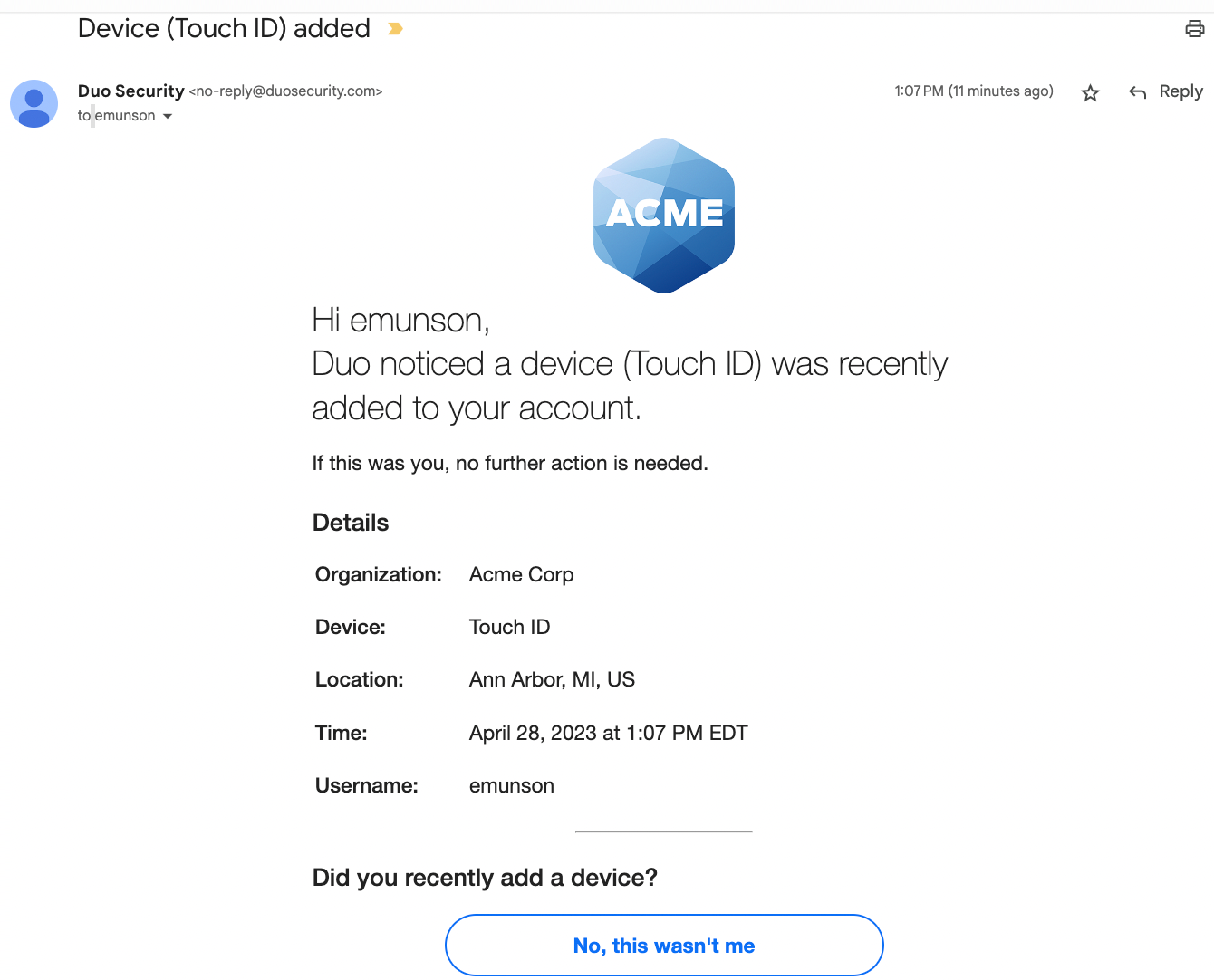
Responding to a Device Change by Email
You will receive an email notification when a device is added, when a device is removed, or when a bypass code is created for you by an IT administrator.
- If you made the change, no action is needed.
- If you did not make the change, select No, this wasn't me in the email. The change is canceled and a ticket is created with the Technology Help Desk for investigation.
Responding to a Device Change in the Duo Mobile App
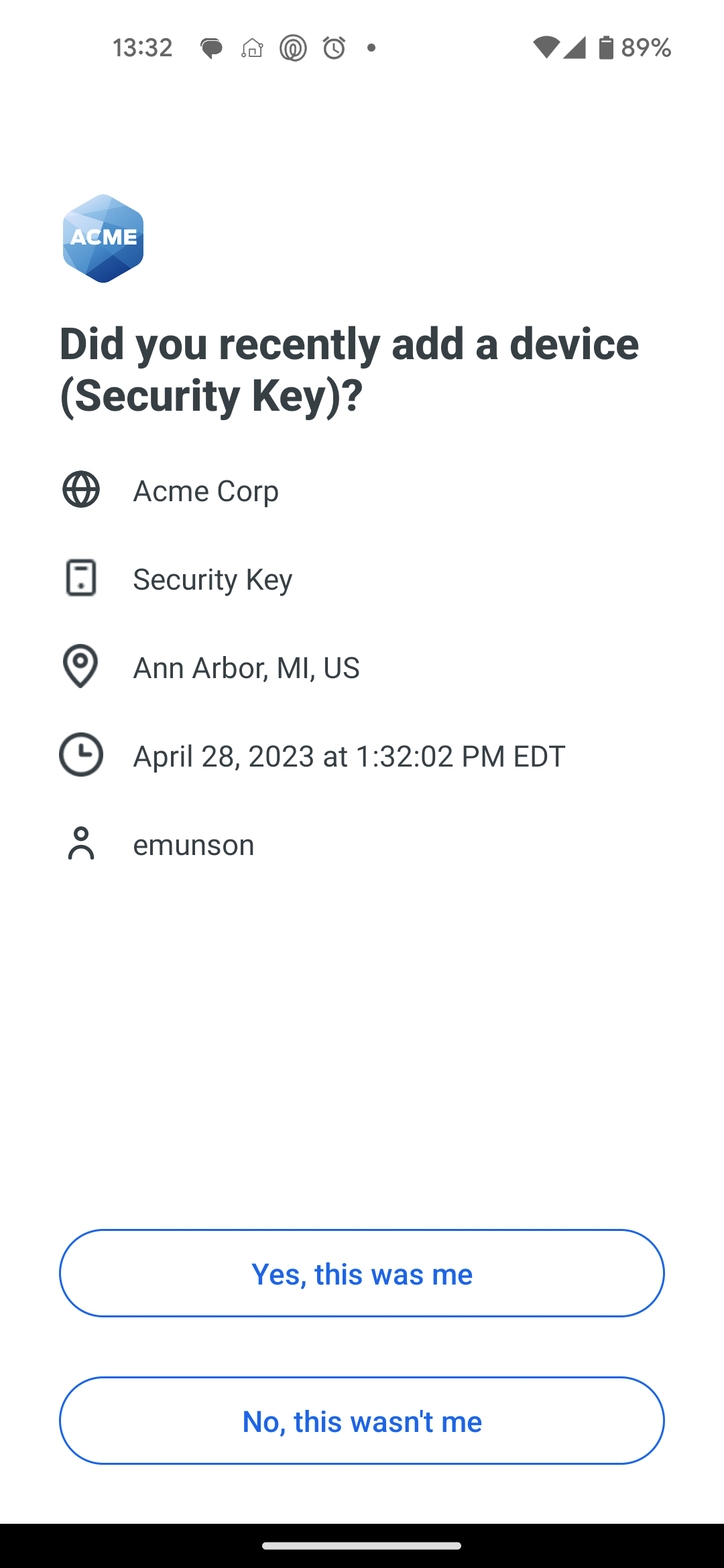
Duo Mobile shows a notification when a device is added, when a device is removed, or when a bypass code is created by an IT administrator. Tap the notification, or open Duo Mobile and tap View on the banner.
- If you made the change, tap Yes, this was me.
- If you did not make the change, tap No, this wasn't me. The change is canceled and a ticket is created with the Technology Help Desk for investigation.
Login Requests You Don't Recognize
Separately from device notifications, Duo asks you to approve each login to a Pitt service with a Duo Push or a phone call. If a login request appears that you did not start:
- Select or tap No, this wasn't me, or deny the phone call, to report the request as fraudulent. The login is denied and a ticket is created with the Technology Help Desk.
- If you approved or denied a request by mistake, reply to the Help Desk email or call 412-624-HELP (4357) so we can assist you.
Shared or Departmental Accounts
For shared or departmental accounts, the account's email address receives the email notification, and every user with a connected Duo device receives a push notification in their Duo Mobile app. Check the Pitt username shown in the notification—if a departmental username appears, another user of the account may have made the change or attempted the login.
Coordinate before changing devices.
If your account is shared, check with the other users before adding or removing connected Duo devices, so that a legitimate change or login is not reported as fraudulent.